- 1Go to QuickFax.com
Open QuickFax.com in any browser, on a phone or a computer. There is nothing to install and no account to create.
- 2Enter the fax number and upload your document
Type the recipient's 10-digit fax number, including the area code; QuickFax sends to numbers in the United States and Canada. Then add a PDF, Word document (.doc or .docx) or image (JPG, PNG, TIFF or HEIC), up to 20MB in total. Several files are sent as one fax, in the order you add them. Need a cover page? Use Add Cover Sheet to create one.
- 3Check the price and pay
QuickFax counts the pages and shows the total before you continue. Pay by card at checkout and enter your email address for the receipt and confirmation.
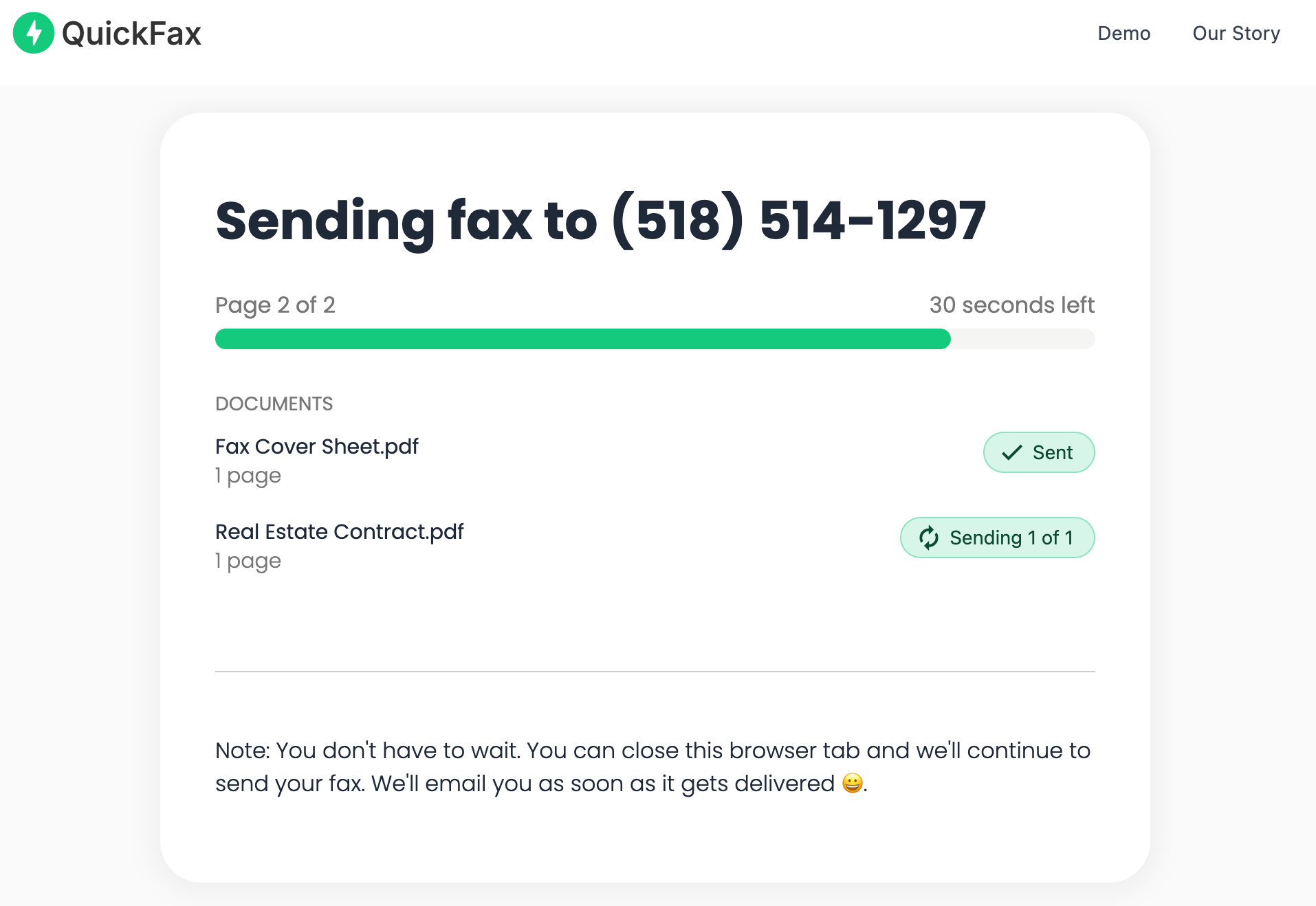
- 4Watch delivery in real time
A live status page shows your fax being sent page by page, and you get an email confirmation when it is delivered. Keep that email as your proof of delivery.