No phone line? No problem. Send a fax from your computer, phone, or email — over the internet, in under 60 seconds.
No landline · No account · No subscription · Works from any device
The fastest way to fax without a landline is to use an online fax service like QuickFax: upload your document, enter the recipient's fax number, and send over the internet for $1.50/page. No phone line, no hardware, no account — done in under 60 seconds.
Other options: use email-to-fax from Gmail or Outlook, download a mobile fax app, or connect a wireless printer through a VoIP adapter — but none are faster or simpler than going directly online.
Traditional faxing requires a phone line plugged into a wall jack. Modern internet-based faxing replaces that entirely — your document travels over WiFi or cellular data instead of a telephone network. The recipient doesn't need to change a thing; their fax machine receives it exactly the same way.
Physical fax machine → two-wire phone cord → wall phone jack → telephone company landline → $30–60/month for the phone line alone, even if you rarely use it
Your device (any) → web browser or app → online fax service → internet → recipient's fax machine. No hardware, no phone line, no monthly landline bill.
This has become increasingly essential as telephone companies phase out traditional landline service and more people work remotely. The recipient still receives a normal fax — they just have no idea you sent it over the internet.
Online fax services are websites that let you upload a document, enter a fax number, and send a fax entirely over the internet. No hardware, no phone lines, no equipment — just internet access and your document.
This is the fastest method because you can start immediately. There's nothing to buy, install, configure, or connect.
No account required — just open the site in any browser.
PDF, Word doc, JPG, PNG — or take a photo of physical papers with your phone camera.
Include the full area code — 10 digits for US, country code for international.
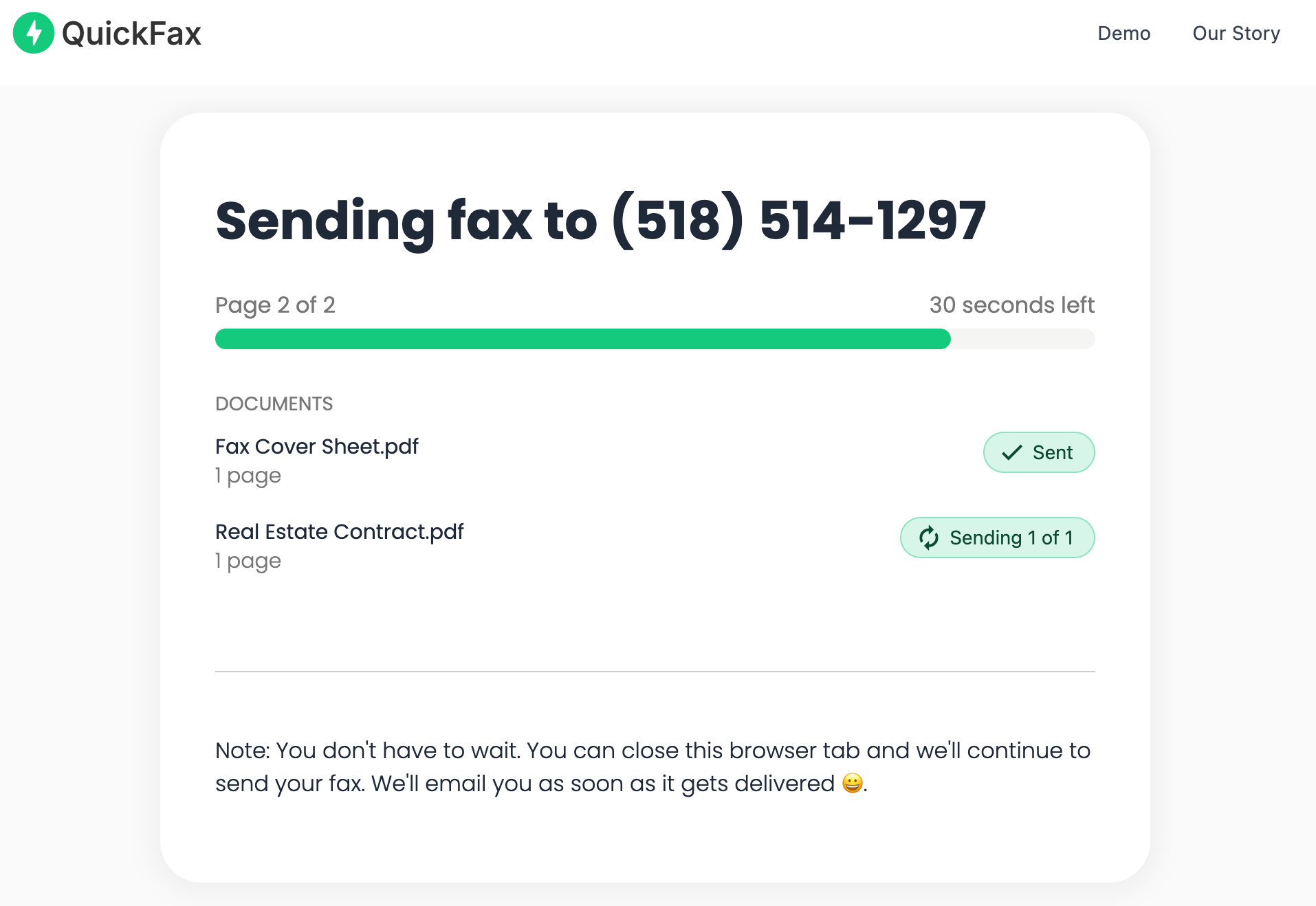
Watch the live status page as your fax transmits — email confirmation when delivered.
Unlike monthly subscription services, QuickFax is pay per fax — $1.50/page, no account, no auto-renewal, no cancellation headaches. You pay only when you actually send.
Email-to-fax lets you send a fax by composing a regular email — no need to open a separate website. Address the email to the recipient's fax number at a special domain (like [fax-number]@provider.com), attach your document, and hit send.
This works well for recurring fax needs where you're sending to the same recipients regularly — you can save their fax-email addresses in your contacts.
Email-to-fax typically requires setting up an account with a fax provider first, and it's generally slower than direct web-based faxing. For a one-time fax, the direct web interface is faster and requires no sign-up.
Mobile fax apps turn your smartphone into a portable fax machine — ideal if you're traveling, working remotely, or away from a computer when you need to send a fax from your phone.
Most apps let you photograph a physical document with your camera and fax it immediately — no scanner required. The process takes about 60 seconds once you're familiar with the interface.
QuickFax is fully mobile-optimized — fax from your iPhone or Android directly from your browser without installing anything. Open Safari or Chrome, upload your document, and send.
Many all-in-one printers include fax functionality but still require a phone line to actually send faxes. The workaround: use a VoIP adapter like MagicJack or Ooma — plug it into your router to create a virtual phone line, then connect your printer's fax port to the adapter.
Cost: ~$40–60 for the adapter device + $30–50/year for the service. Requires technical setup and configuration.
If you already own a fax-capable printer and send many faxes regularly, this can work. For everyone else, an online fax service is significantly easier and cheaper. You're also still dealing with paper jams, busy signals, and traditional fax machine headaches.
Need to fax right now — no landline?
Upload your document and send in under 60 seconds. No setup required.Many people assume they can fax from their computer without any extra service — but both Windows and Mac built-in tools have a critical catch.
Despite its name, Windows Fax and Scan requires a fax modem installed in your computer connected to a working landline. It does not enable internet faxing. Most modern computers don't even include fax modems — and even if you buy an external USB modem, it still needs a physical phone jack to function.
Mac users need an online fax service — there's no native fax option on macOS. These built-in tools were designed in the 1990s when dial-up modems and landlines were standard, and they haven't been updated for modern internet-only connectivity.
If you try Windows Fax and Scan without a modem and phone line, you'll get an error saying no fax device is detected — wasting your time when you're trying to send an urgent fax. The bottom line: an online fax service is the only practical option for faxing from a computer without a landline.
Costs vary dramatically by method. Here's the full picture — including what most people overlook:
| Method | Cost | Verdict |
|---|---|---|
| QuickFax (pay as you go) | $1.50/page | No monthly fee |
| Subscription service (eFax, MyFax) | $10–30/mo | ~$120–360/yr |
| Physical store (Office Depot, Staples, UPS) | $1–2/page | Plus time & gas |
| VoIP adapter (MagicJack/Ooma) + setup | $70–110 upfront | + $30–50/yr ongoing |
| Traditional landline fax machine | $100–400 machine | + $30–60/mo landline |
If you only fax 5 pages three times a year, QuickFax costs $22.50 total — vs. $120–360 for a yearly subscription you barely use. For occasional faxing, pay-per-use wins every time. Subscription services only make financial sense if you're sending or receiving dozens of faxes every month.
Online faxing is generally more secure than traditional fax machines — not less. Here's why:
Many online fax services offer compliance certifications and audit trails that document who sent what to whom and when — something traditional fax machines cannot provide. Always verify your chosen service's security and data retention policies before sending sensitive documents.
Secure, encrypted faxing — no landline needed
$1.50/page · No account · Files deleted after delivery.Not sure which method fits your situation? Use this guide:
Use QuickFax — upload and send right now, no account, no setup. Done in under 60 seconds.
QuickFax is fully mobile-optimized — open it in Safari or Chrome, photograph your document, and send a fax from your smartphone in about 60 seconds.
Use pay-per-fax — no subscription needed. $1.50/page is far cheaper than $120+/year for a plan you barely use.
Calculate your monthly page volume. If you're sending 15+ pages/month regularly, a subscription service may become cost-effective. Otherwise, pay-per-use still wins.
Choose an online fax service that provides a dedicated incoming fax number. Most pay-per-use services (including QuickFax) focus on sending — receiving typically requires a subscription plan.
Only worth the VoIP adapter setup if you fax very frequently. For occasional use, the online fax service route is faster, simpler, and cheaper.
Use a reputable online fax service with 256-bit encryption, clear data deletion policies, and no stored account data — like QuickFax.
Start with QuickFax — zero commitment, no setup. Send your fax without signing up now, then research other options later if needed.
“Fast, secure, the price is right! This site is a blessing for those who rarely have to send a fax.”
Stephen from California
“By far the easiest and most convenient internet fax service I have ever used. Highly recommend.”
John from New Mexico
“I loved that it doesn't require a subscription or a free trial. I just got in and faxed what I needed to.”
Tom from Mississippi
“This was my first time sending a fax this way, and it was very easy. I will definitely use this again. Was much easier then going to a store.”
Elizabeth from Arizona
Trusted by thousands to fax IRS, SSA, legal, medical, government documents, and more.
Send a Fax Online →No subscription. $1.50/page.
Just enter the fax number, upload your documents, and send.
Send a Fax Online →