Setup instructions for HP, Canon, Brother, and Epson — plus the fastest alternative if you don't have a landline or don't want to deal with printer setup.
No landline · No setup · $1.50/page · Works from any device
To fax from a printer, you need: (1) a printer with a fax port labeled LINE or 1-LINE, and (2) an active landline phone connection. Connect the phone cord, configure your fax header and answer settings, then press Fax → enter number → Send.
No landline? Skip the printer entirely — QuickFax lets you send a fax online from your computer or phone in about 60 seconds, for $1.50/page, with no setup required.
Yes — traditional printer faxing requires an active analog landline. Your printer connects to your wall phone jack with a standard phone cord. Without that connection, the printer's fax function won't work.
Services like Vonage, Ooma, or your cable company's phone service may cause fax transmission failures. Fax technology requires the consistent signal quality of a true analog landline — not a digital or internet-based phone signal.
Your options: pay $30–50/month to add landline service, or — much easier — use an online fax service that requires no phone line at all. For occasional faxing, $1.50/page with QuickFax beats a monthly landline bill.
Keep reading — the steps below walk you through checking your printer, connecting the phone line, configuring settings, and sending your fax. Takes about 10–20 minutes to set up the first time.
Not all printers have fax capability — verify yours before spending time on setup.
Certain models only support faxing after purchasing and installing an optional fax kit. Check your user manual or search your model number on the manufacturer's support site to confirm. If your printer has no fax port and no fax kit option, use an online fax service instead — no hardware needed.
Once you've confirmed fax capability and have an active landline, here's the setup process:
Run a standard two-wire telephone cord from your wall phone jack to the port labeled “1-LINE” or “LINE IN” on the back of your printer.
Look for “Fax Setup” or “Fax Settings” in your printer's menu. You'll configure a few key options:
Before sending anything important, run a test from your printer's menu — usually labeled “Run Fax Test” or “Fax Test Report.” This confirms the phone line is connected and the settings are correct.
Press the Fax button on your control panel. Enter the complete fax number including area code.
Press “Send,” “Start,” or the black/color button. Listen for high-pitched tones — these indicate the fax machines are connecting successfully.
No landline? Skip the printer entirely.
QuickFax: upload → enter fax number → send. Done in 60 seconds. No setup needed.The general steps are the same across brands, but here's exactly how each major printer manufacturer's interface works:
Search your exact model number (e.g., “HP OfficeJet Pro 9015 fax setup”) on the manufacturer's support site. Control panel layouts vary significantly even within the same brand family.
Running into problems? Here are the most common errors and how to fix them:
Phone cord not properly connected, or VoIP line incompatibility
Wrong number format, busy recipient, or machine offline
Low resolution setting or dirty/faded original
Auto Answer is off, or rings-to-answer is misconfigured
VoIP interference or another device using the phone line
If you're already anxious about a time-sensitive fax to the IRS, a court, or a hospital — spending 30–60 minutes debugging printer connections is the last thing you need. QuickFax works in 60 seconds with live delivery confirmation, so you know it went through.
Printer giving you trouble?
Skip the troubleshooting — fax online right now for $1.50/page with delivery confirmation.QuickFax is built for people who need to fax without a printer or phone line. No hardware. No setup. No subscription.
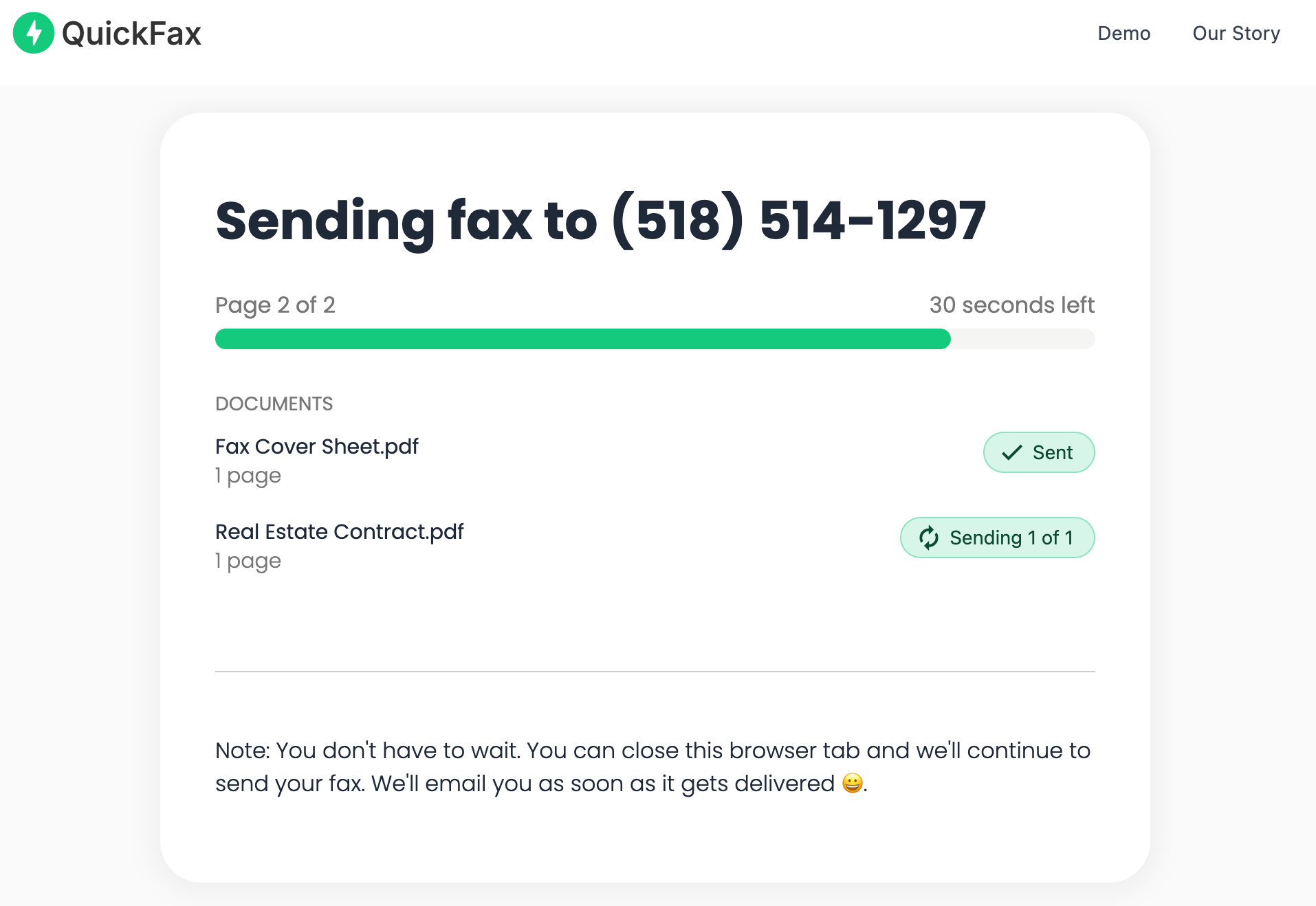
The entire process takes about 60 seconds — faster than driving to Office Depot or fighting with printer settings. Upload your document, enter the recipient's fax number, and watch it send live.
Send your fax in 60 seconds.
No account · No subscription · $1.50/page · Live delivery confirmation.For most people reading this guide: you discovered you need to fax something today, don't have a landline, and can't afford to spend an hour on printer setup for something you'll use twice a year. QuickFax is built for exactly this moment — when the IRS, insurance company, or hospital requires a fax and you need the simplest way to get it done.
The time investment of connecting cords, configuring settings, running test faxes, and troubleshooting issues typically takes 30–60 minutes. That's far more than the $1.50–$3.00 you'd spend on QuickFax to send a 1–2 page fax in 60 seconds — and you won't have to do it again next time you need to fax.
“Fast, secure, the price is right! This site is a blessing for those who rarely have to send a fax.”
Stephen from California
“By far the easiest and most convenient internet fax service I have ever used. Highly recommend.”
John from New Mexico
“I loved that it doesn't require a subscription or a free trial. I just got in and faxed what I needed to.”
Tom from Mississippi
“This was my first time sending a fax this way, and it was very easy. I will definitely use this again. Was much easier then going to a store.”
Elizabeth from Arizona
Trusted by thousands to fax IRS, SSA, legal, medical, government documents, and more.
Send a Fax Online →No subscription. $1.50/page.
Yes — traditional printer faxing requires an active analog landline connected to the printer's LINE port. VoIP and internet phone services don't work reliably with fax machines. Without a landline, use an online fax service like QuickFax instead.
Look for a “Fax” button on the control panel and a port labeled “1-LINE” or “LINE IN” on the back of the printer. If neither is present, your printer cannot send faxes.
Yes. QuickFax lets you send a fax online from any device — computer, iPhone, or Android — without a printer or phone line. Upload your document, enter the fax number, pay $1.50/page, and send in about 60 seconds. No account required.
Check that the phone cord is securely connected at both the wall jack and the printer's LINE port. Confirm the landline is active by testing with a regular phone. Also verify you're using a two-wire cord, not a four-wire cord. VoIP services can also cause this error.
Just enter the fax number, upload your documents, and send.
Send a Fax Online →